Compare commits
2 Commits
| Author | SHA1 | Date | |
|---|---|---|---|

|
3f8adf7f68 | ||
|
|
fd55478cfe |
11
README.md
11
README.md
@@ -7,7 +7,7 @@
|
||||
- Oh-My-ZSH
|
||||
- and other software
|
||||
|
||||
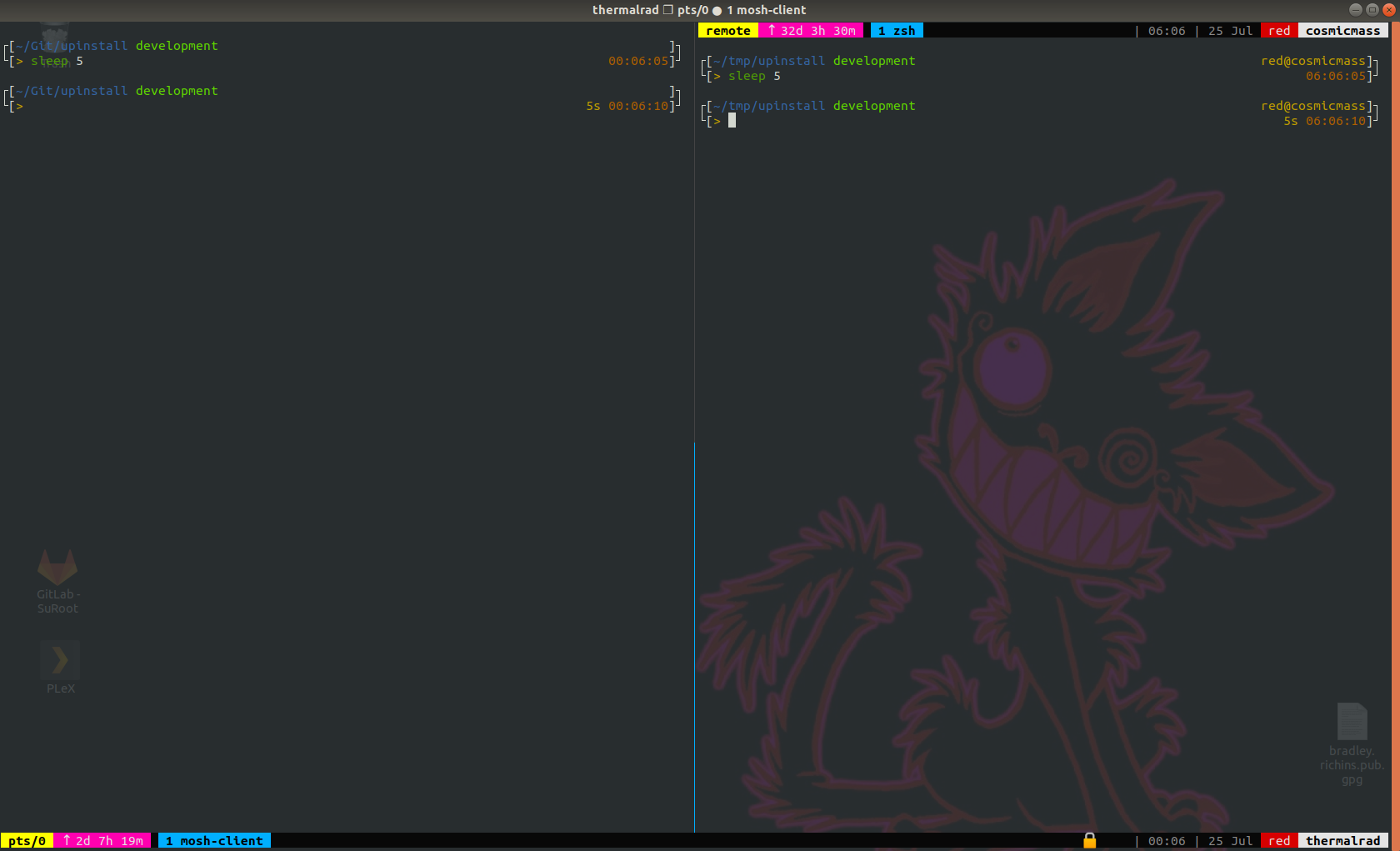
|
||||

|
||||
|
||||
### Software from Ubuntu repos #
|
||||
- curl
|
||||
@@ -37,7 +37,7 @@
|
||||
|
||||
#### clone repo #
|
||||
```
|
||||
$> git clone https://git.ghettoadmin.com/Raum0x2A/zpower.git
|
||||
$> git clone https://gitlab.com/bradley.richins/zpower.git
|
||||
```
|
||||
|
||||
#### Open zpower directory and execute #
|
||||
@@ -52,15 +52,16 @@ $> chmod 755 zp-install.run
|
||||
$> ./zp-install.run
|
||||
```
|
||||
|
||||
- MakeSelf installer [Release](https://git.ghettoadmin.com/Raum0x2A/zpower/releases/download/v1.3/zp-install.run)
|
||||
- MakeSelf installer [GitHub Release](https://github.com/RaumXV/zpower/releases/download/v1.1/zp-install.run)
|
||||
- MakeSelf installer [GitLab Release](https://gitlab.com/bradley.richins/zpower/-/raw/master/zp-install.run?inline=false)
|
||||
|
||||
_NOTE:_ When downloading this from GhettoGit the file name may be changed from `zp-install.run` to `zp-install.txt`. As long as this file has exec prermissions it will work
|
||||
_NOTE:_ When downloading this from gitlab the file name will most likely be changed from `zp-install.run` to `zp-install.txt`. As long as this file has exec prermissions it will work
|
||||
|
||||
```
|
||||
$> chmod 755 zp-install.txt
|
||||
$> ./zp-install.txt
|
||||
```
|
||||
|
||||
`zp-install.run` was generated with `$> makeself --sha256 ./ ./zpower zp-install.run "ZPower Shell Pack Installer" ./install.sh`
|
||||
`zp-install.run` was generated with `$> makeself --sha256 ./zpower zp-install.run "ZPower Shell Pack Installer" ./install.sh`
|
||||
MakeSelf: A self-extracting archiving tool for Unix systems, in 100% shell script - [GitHub](https://github.com/megastep/makeself) / [Website](https://makeself.io/)
|
||||
|
||||
|
||||
@@ -294,7 +294,7 @@ bind C-a send-prefix
|
||||
# move status line to top
|
||||
#set -g status-position top
|
||||
|
||||
bind \ split-window -h
|
||||
bind '\' split-window -h
|
||||
unbind '"'
|
||||
bind -n M-Left select-pane -L
|
||||
bind -n M-Right select-pane -R
|
||||
|
||||
Reference in New Issue
Block a user